

Mission critical integration environments demand’s continuous monitoring, faster issue resolution, and simplified operational management. With BizTalk360, we continue to enhance the platform with smarter automation, improved visibility, and stronger integrations, helping teams manage their BizTalk environments more efficiently and proactively.
64-bit Support for BizTalk360 Services – Monitoring and Analytics services now run as 64-bit processes ,enabling improved scalability, better performance, and enhanced memory utilization for handling large-scale monitoring and analytics operations.
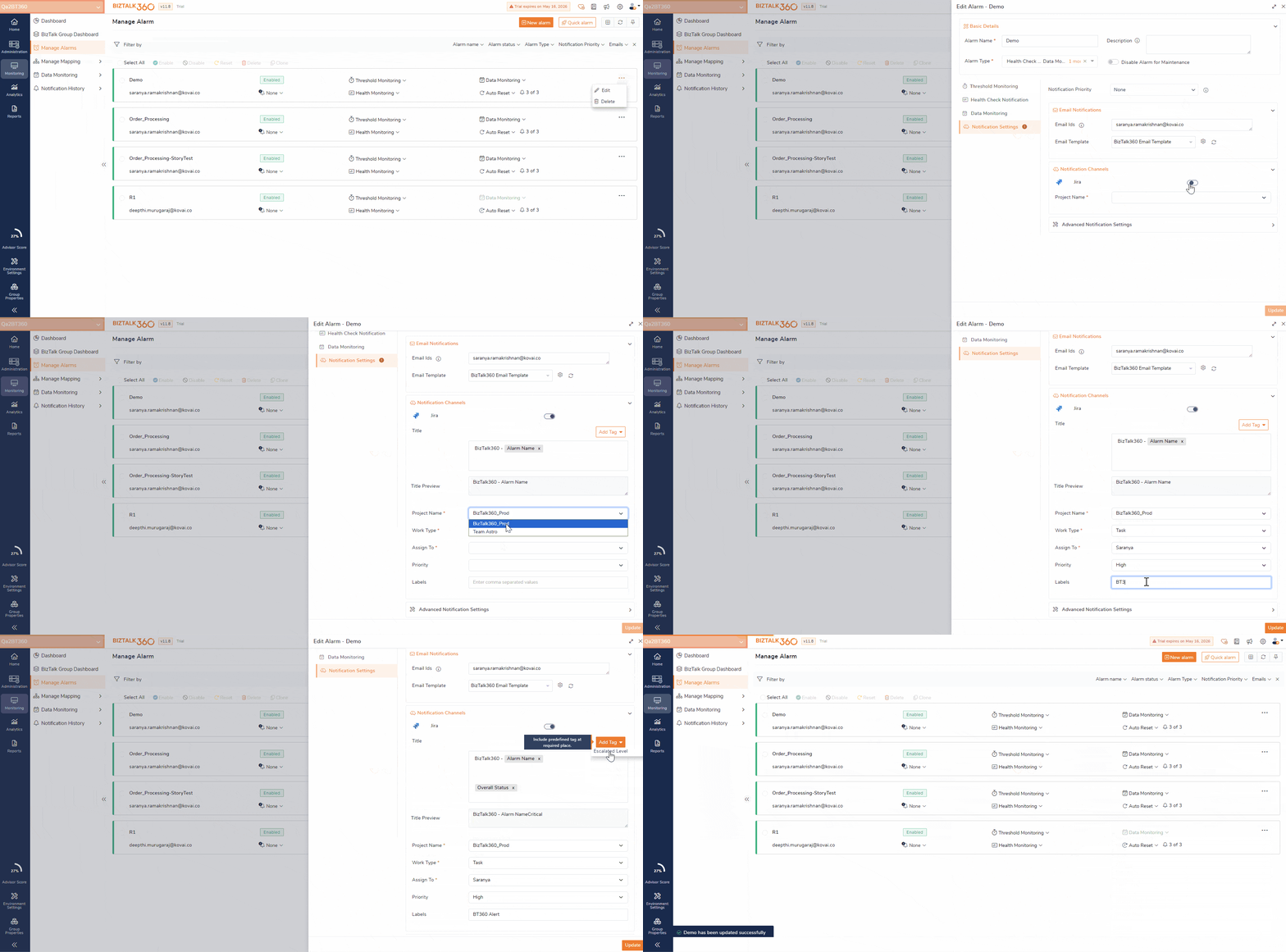
JIRA Notification Channel – Automatically create JIRA tickets when the monitoring detects violations. JIRA supports OAuth and API Token authentication for faster and secured incident tracking.
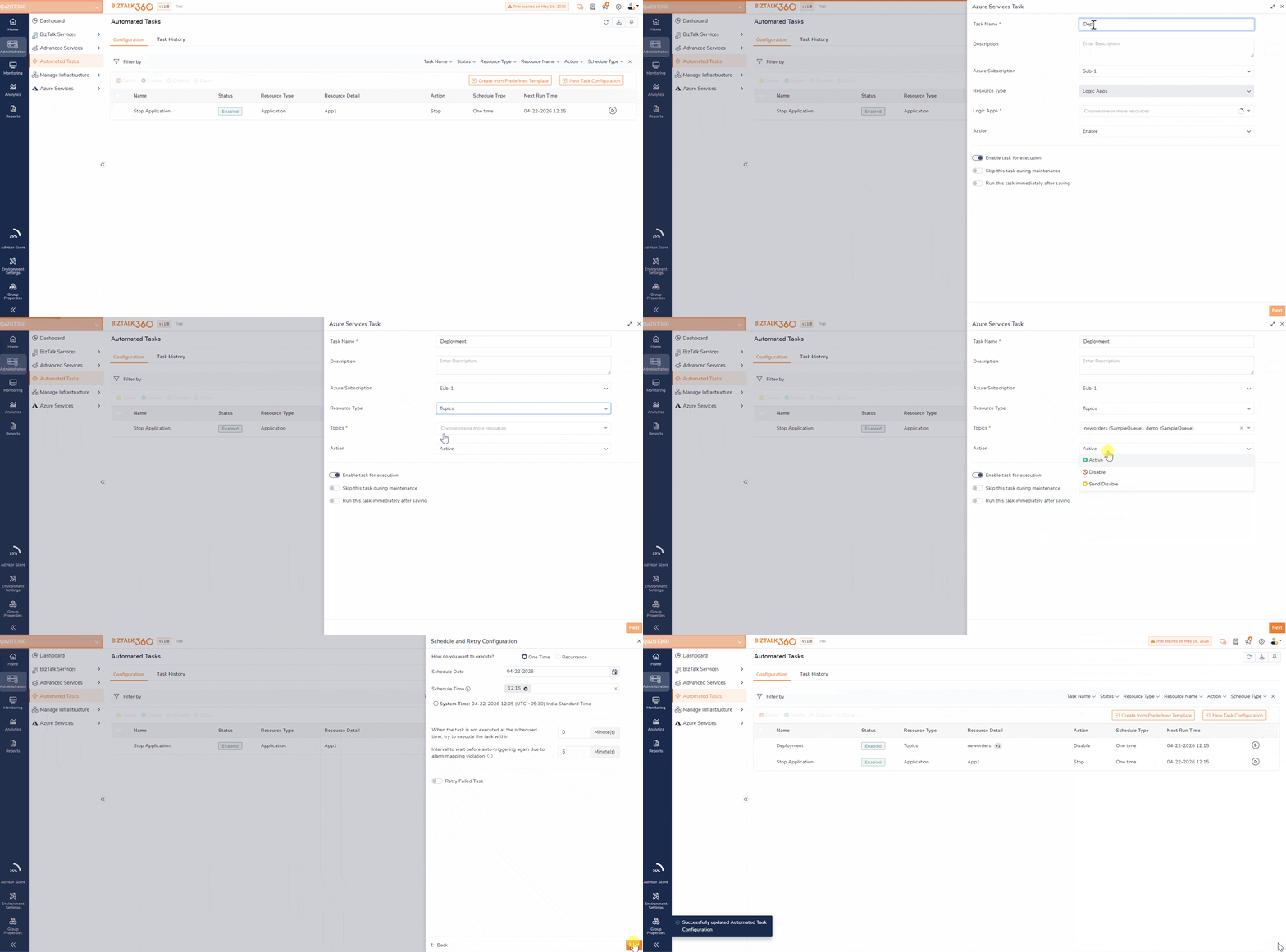
Azure Service Bus Automated Tasks – Schedule enable or disable actions for Service Bus queues and topics to automate message flow management during deployments and maintenance window.
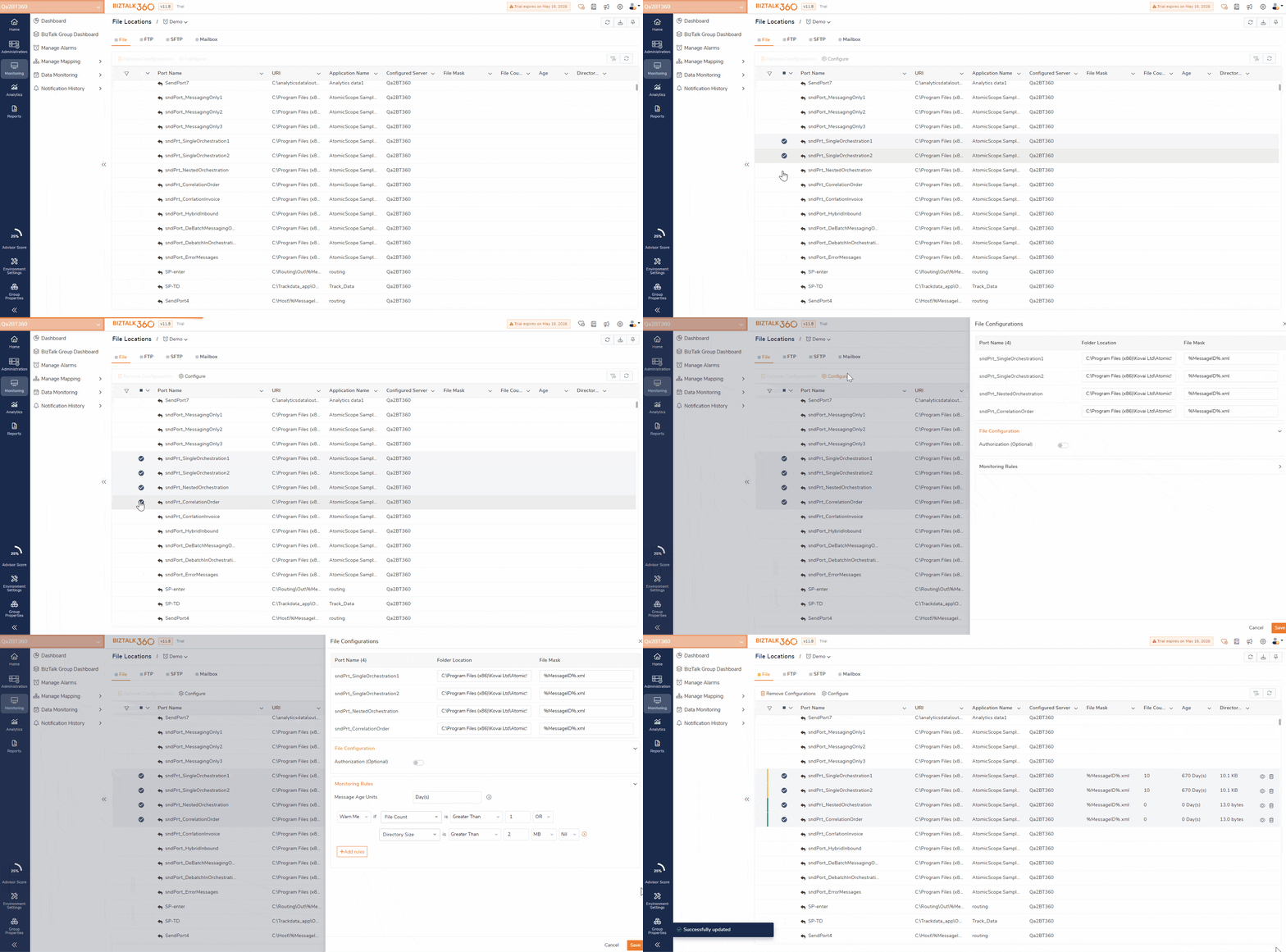
File Monitoring Bulk Configuration – Define Folder, FTP, and SFTP monitoring configurations in a single place and reuse them across multiple locations for faster and consistent setup.
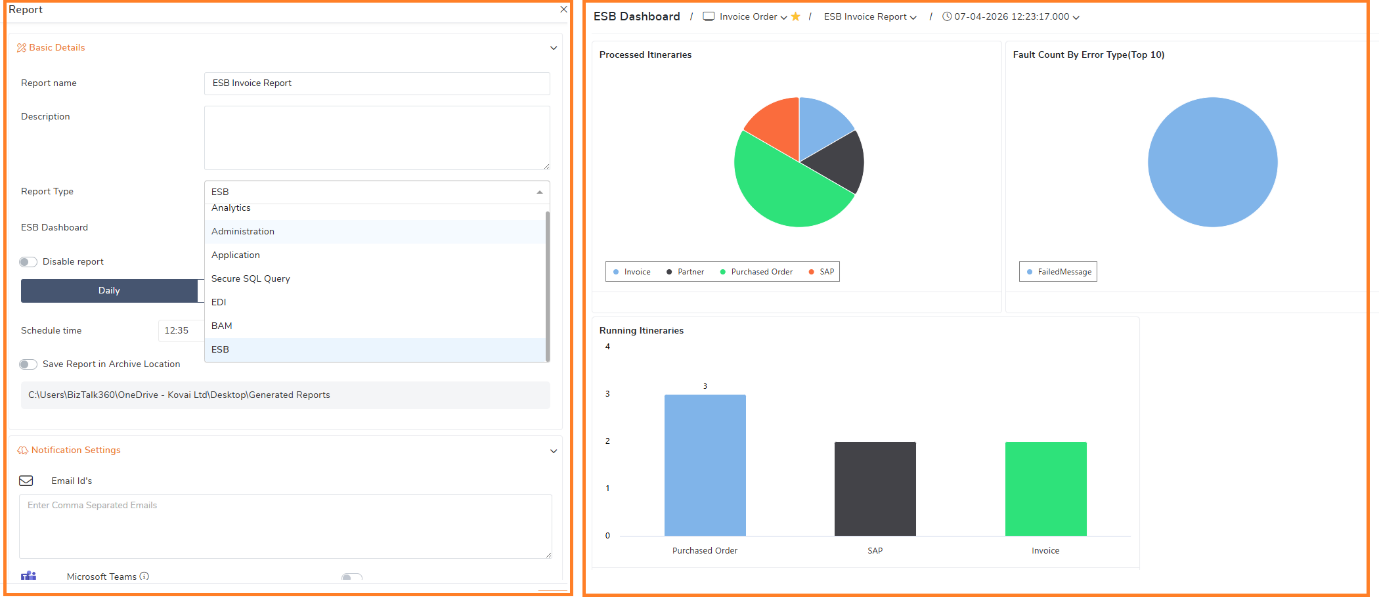
Enhanced Reporting Experience – Generate and share the ESB and Administration dashboards reports to the Administrators/Business users.
Acknowledge BizTalk360 Logs – “Acknowledge” the known issues in BizTalk360 Logs which helps to improve Advisor Score and focus only on active and relevant operational problems.
Let’s look at what’s new in BizTalk360 v11.8.
Managing the incidents becomes much easier with the new JIRA Notification Channel.
BizTalk360 can now automatically create JIRA ticket whenever an alarm violation occurs. The integration supports secure authentication methods including OAuth and API Token, enabling seamless integration with existing support and DevOps workflows.
In many organizations, support teams manually create tickets after receiving alert notifications. This process can delay response time and increase the risk of missed incidents.
With JIRA integration:
If a BizTalk Receive Location disabled unexpectedly or a Service Instance gets suspended, BizTalk360 detects the violation and instantly creates a JIRA ticket with the relevant details allowing teams to take immediate action.
BizTalk360 now supports Azure Service Bus Queues and Topics operations through the Automated Tasks, enabling users to manage queue and topic states through scheduled execution.
Users can automate actions such as:
During deployments or maintenance windows, organizations often need to temporarily stop message inflow to avoid processing interruptions.
Using automated tasks, BizTalk360 disables selected Service Bus queues before deployment and enables them again after completion, ensuring controlled message flow and smoother operations.
With automated tasks schedule:
User will also get notified about the action taken to the configured email.
Configuring monitoring settings individually for hundreds of Folder, FTP, or SFTP locations can be repetitive and time-consuming.
Organizations with large integration landscapes often maintain consistent monitoring policies across environments. Repeating the same configuration for every endpoint increases operational overhead.
Now user can specify the File/FTP/SFTP configuration such as Authentication, Firewall configuration, Security details once and that can be reused for monitoring all the file locations.
User can also specify the centralised monitoring rule say, if all FTP locations are expected to receive at least one file every hour, teams can configure the rule once and reuse it across all locations instead of configuring each individually.
With Default Monitoring Configuration, users can now:
BizTalk360 now supports SHA-2–based authentication for nSoftware SFTP monitoring. Which supports enhanced security and compatibility with modern encryption standards.
To provide better operational insights, BizTalk360 now includes:
These enhancements help teams to identify when an issue occurred and Verify whether monitoring is running correctly.
Users can now directly navigate from the Monitoring section to the corresponding artifacts in the Administration section for quicker action on artifacts and reduce the operational delay.
Reporting has been significantly improved in v11.8.
1)Users can now include both ESB and Administration dashboards in scheduled reports and receive them automatically via email.
Operations and support teams often require regular visibility into:
Instead of manually logging into BizTalk360 to review dashboards, teams can now schedule reports and receive the required insights directly in their inbox.
2)Improved report generation using the new Playwright-based rendering engine.
The previously used “SelectPDF” rendering engine has been deprecated. We strongly recommend upgrading BizTalk360 to the latest version v11.8 to continue generating reports without issues.
The BizTalk360 Monitoring and Analytics services now run as 64-bit processes. This enhancement allows BizTalk360 to handle larger workloads more efficiently in enterprise environments.
Enterprise environments often contain recurring warnings or known operational events that do not require action.
Say, non-critical warning generated during scheduled maintenance no longer needs to repeatedly impact the environment health score.
With the new Acknowledge Logs capability ,known issues can be acknowledged and suppressed for defined duration. These acknowledged logs are excluded from Advisor Score calculations and Health status reflect only active and relevant issues.
Whether you are managing complex hybrid integrations or large-scale BizTalk environments, v11.8 helps your teams operate more efficiently and proactively.
Upgrade to BizTalk360 v11.8 today and experience smarter monitoring, seamless integrations, and greater operational control. BizTalk360 v11.8 Release Notes – https://docs.biztalk360.com/docs/v118
