Ricardo
Author
Published on : Feb 18, 2014
Category : BizTalk Server
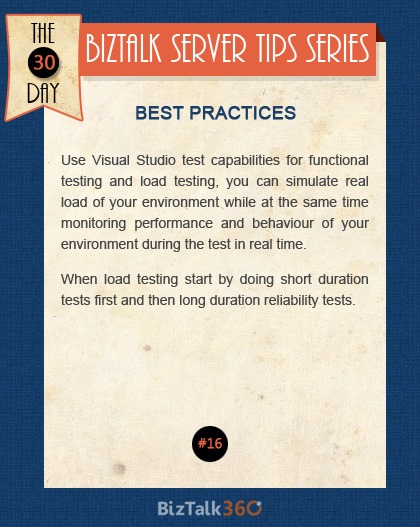 Use Visual Studio test capabilities for functional testing and load testing, you can simulate real load of your environment while at the same time monitoring performance and behavior of your environment during the test in real time. When load testing start by doing short duration tests first and then long duration reliability tests.
Here are few great links
Using Visual Studio To Generate Load Against a Two-Way Request-Response WCF Receive Location
Load Testing BizTalk Server Solutions with Visual Studio
Use Visual Studio test capabilities for functional testing and load testing, you can simulate real load of your environment while at the same time monitoring performance and behavior of your environment during the test in real time. When load testing start by doing short duration tests first and then long duration reliability tests.
Here are few great links
Using Visual Studio To Generate Load Against a Two-Way Request-Response WCF Receive Location
Load Testing BizTalk Server Solutions with Visual Studio